
IV212M-SEAA, iView2 M-Series HMI Touch Screen, 12.1 inch, Built-in IIoT
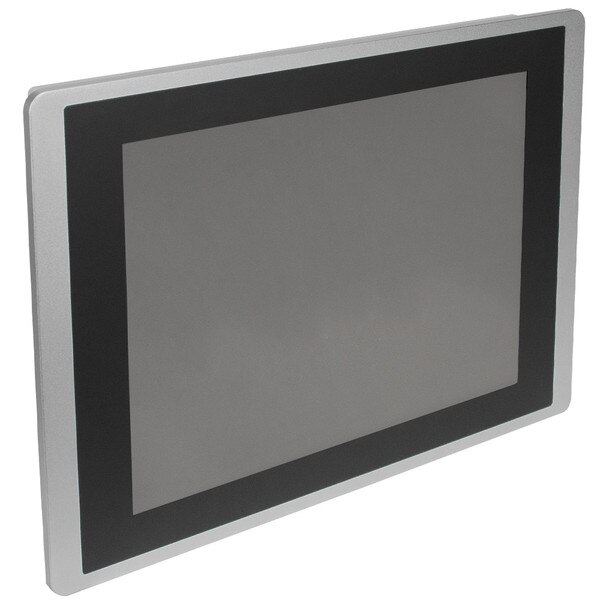
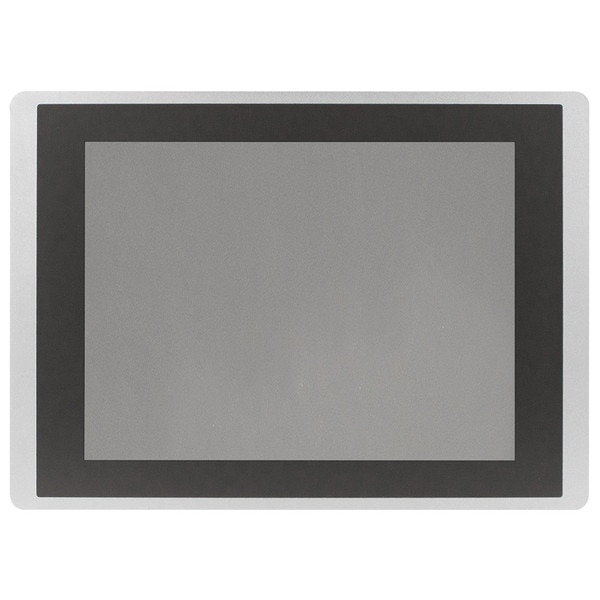


IV212M-SEAA, iView2 M-Series HMI Touch Screen, 12.1 inch, Built-in IIoT
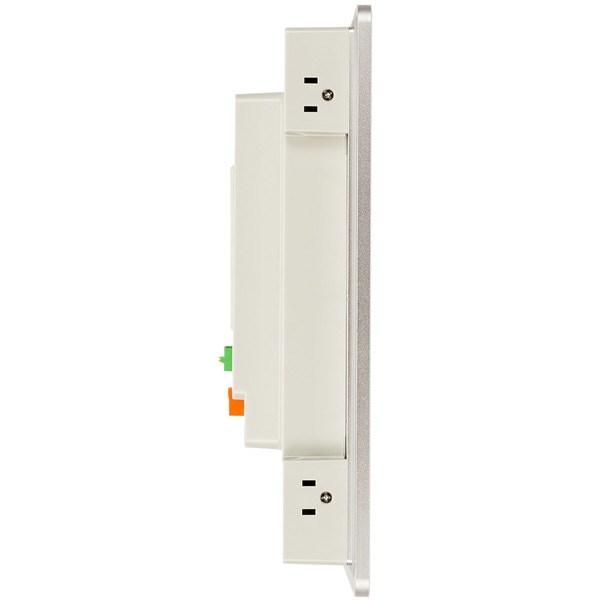
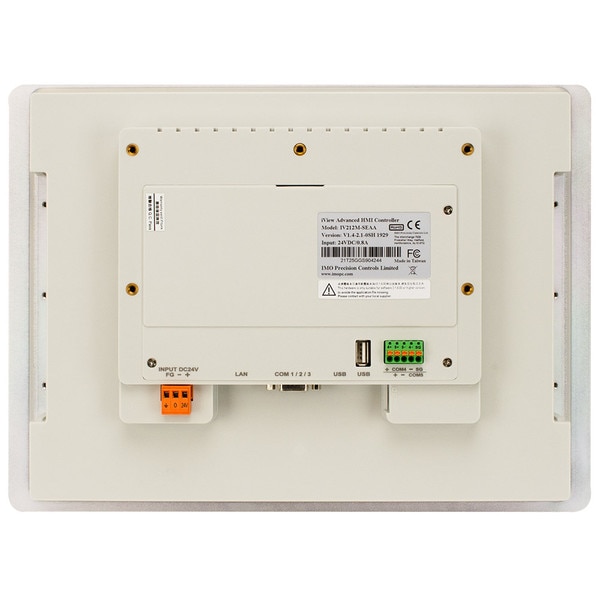
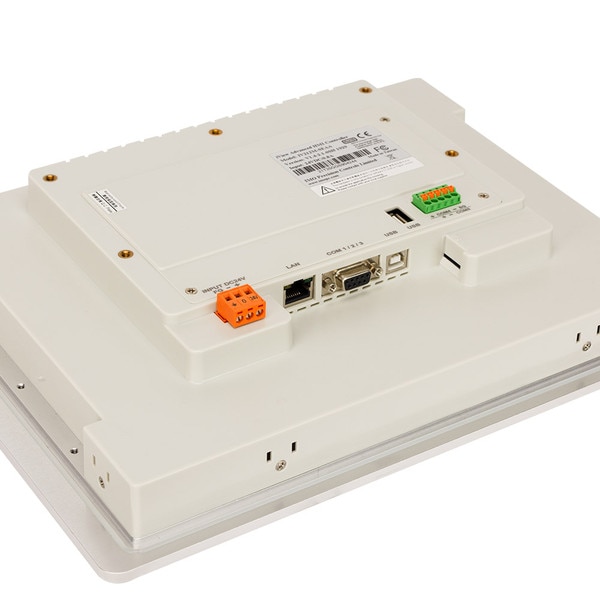
iView2 M-Series HMI Touch Screen, 12.1 inch TFT LCD, 800x600, 65k colors, Built-in IIoT and VNC (WEB) server, Ports: (5) serial, (2) USB, and (1) Ethernet, Aluminium Bezel


 Specifications
 Related Items
 Resources

Specifications
iView2 M-Series HMI Touch Screen, 12.1 inch TFT LCD, 800x600, 65k colors, Built-in IIoT and VNC (WEB) server, Ports: (5) serial, (2) USB, and (1) Ethernet, Aluminium Bezel
- Multiple communication ports for flexible connection options: one ethernet, five high-speed serial, and two USB
- Industrial Internet of Things (IIoT) with Inter-device Connection Service (IDCS)
- Support for Message Queuing Telemetry Support (MQTT), a fast and open publisher/subscriber based communication protocol
- Remotely Program/Monitor/Control with built-in web server (VNC)
- Upload and Transfer application and operation data with built-in FTP server
- Multiple data storage options: System storage memory can be expanded with use of USB port
- Send automated system and alarm messages via email
- Data/Operation/Alarm logging with user defined parameters and frequencies
- Rugged plastic bezel
- UV resistant IP66 environmental protection rating for harsh duty environments
General Specifications
| Input Power | 24VDC±10%, 20W (10W for 4.3" Models) |
| Display | 65k Color TFT Display |
| COM1 | RS 232 |
| COM2 | RS 422/485 (4.3" RS 485 Only) |
| COM3 | RS485 |
| COM4 | RS485 |
| COM5 | RS485 |
| USB | 1 USB Type A, 1 USB Type B |
| System Memory | 8MB |
| Storage Memory | 128MB |
| Battery-Backed Memory | 128KB |
| CPU Clock Speed | 300 MHz |
| Enclosure Type | IP66 |
| Operating Temperature Range | 14℉ to 140℉ (-10℃ to 60℃) |
| Agency Approvals | cUL, CE, UL, UL File# E197035 |
Resources


 Application Notes
| Title | Summary | Related Links |
|---|---|---|
| AN-HMI-001 Downloading and Installing iView2 Developer Software | Procedure for downloading and installing iView2 Developer software… |   |
| AN-HMI-002 iView HMI Project Build and Download | Building and downloading a project for the iView HMI... | |
| AN-HMI-003 iView HMI Online Simulation | Using the PC to Simulate an iView HMI Program... | |
| AN-HMI-004 iView HMI Hardware Setup | Using iView Developer software to set up the iView HMI hardware... | |
| AN-HMI-005 iView Project Download to the HMI | Procedure for downloading a project to the iView HMI ... | |
| AN-HMI-006 iView HMI Communication Driver Setup | Using iView Developer software to set up a device communication driver ... | |
| AN-HMI-007 iView HMI Adding a Screen Object | Using iView Developer software to add a screen object ... | |
| AN-HMI-008 iView HMI Adding an Object Picture Graphic | Using iView Developer software to add an object picture graphic... | |
| AN-HMI-009 iView HMI Adding a Splash Screen | Using iView Developer software to add a splash screen... | |
| AN-HMI-010 iView HMI Screen Types | Explanation, design and use of the three iView screen types... | |
| AN-HMI-011 iView HMI Internal Memory | Explanation of the types and use of iView Internal memory... | |
| AN-HMI-012 iView Multiple HMIs in One Project | Explanation of programming multiple HMIs in one iView Developer project... | |
| AN-HMI-013 iView HMI Font Templates | Explanation and use of the Font Templates in iView Developer... | |
| AN-HMI-014 iView HMI Password Protection | Explanation of the password security functionality in the iView HMI. | |
| AN-HMI-015 iView HMI Due Date Passwords | Explanation of the Due Date Password functionality in the iView. | |
| AN-HMI-016 iView HMI Alarm Setup | Explanation of the Alarms in the iView. | |
| AN-HMI-017 iView HMI Alarm Display | Explanation of the different types of alarms display objects and their setup. | |
| AN-HMI-018 Connect SG2 PLR to the iView HMI | Explains how to connect the SG2 PLR to the iView HMI using the RS232 communication port... |  |
| AN-HMI-019 SG2 PLR and iView HMI Programs for RS232 Communication | Shows how to set the programming for the operation of the SG2 PLR and iView HMI... | |
| AN-HMI-020 Adding a Remote iView HMI to Mirror the Primary HMI | How to add a remote iView HMI to a project that already has a single primary HMI... | |